
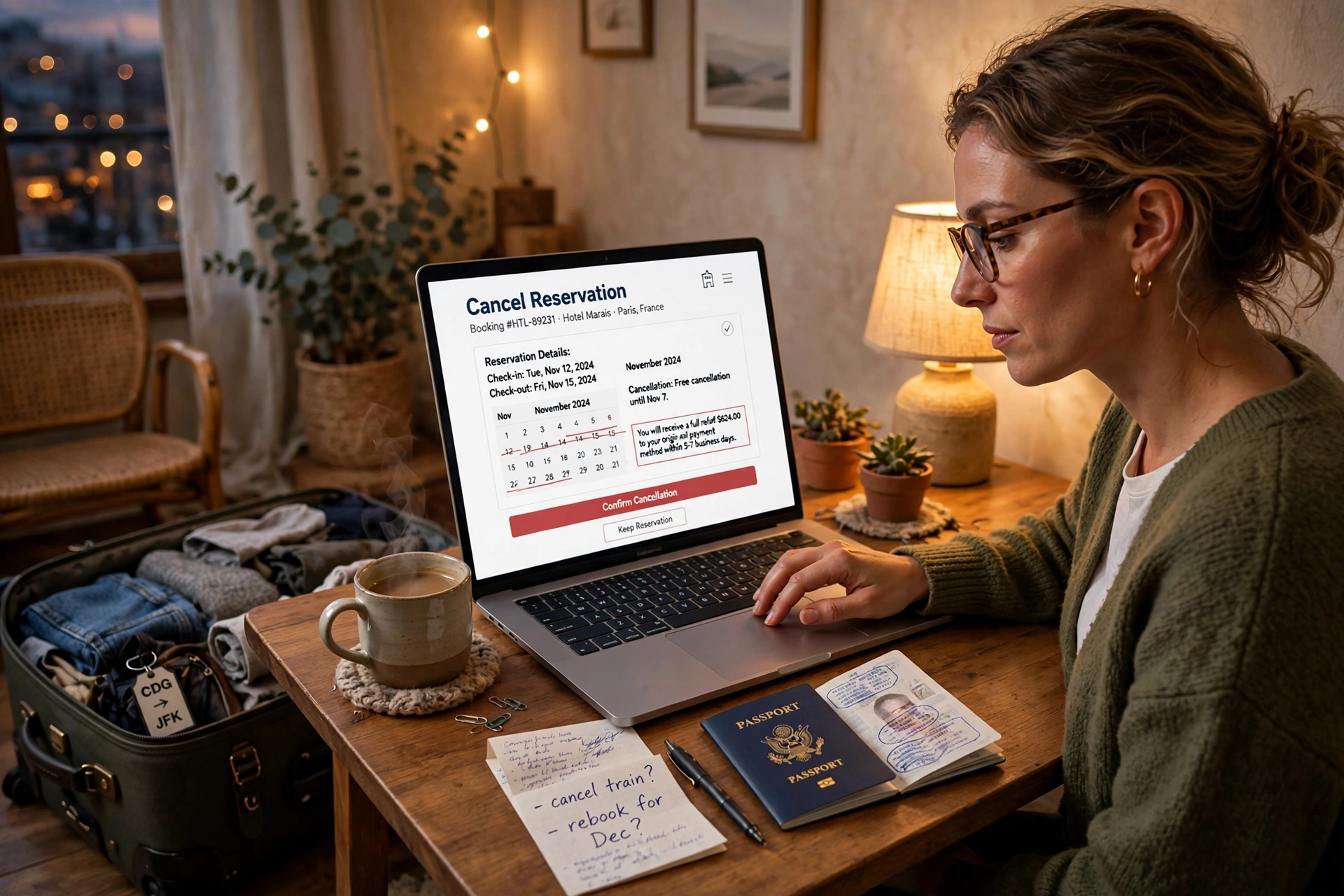
How Do I Cancel a Hotel Reservation
How do I cancel a hotel reservation Cancel it through the same place you booked it if you booked on, cancel in Manage booking if you booked on Expedia, cancel in My Trips and if you booked directly with the hotel, use the link in your confirmation email or call the property. As long as you cancel before the free-cancellation deadline, which is usually 24 to 48 hours before check-in, you pay nothing at all. This guide walks through cancelling on every channel, explains how cancellation deadlines and fees actually work, and shows you how to change your dates or rescue a non-refundable booking instead.
How to Cancel a Hotel Reservation on
Cancelling on starts with your confirmation email, because that email contains a Manage booking link that takes you straight to your reservation without any searching. If you have an account, you can also sign in and open the booking from your trips list, and if you booked as a guest without an account, the same link asks only for your confirmation number and the PIN from the email, so you never need to create an account just to cancel. Once the booking is open, you will see the cancellation policy for your exact rate, including the date and time until which cancellation is free, and from there cancelling is a single button followed by one confirmation screen.
The detail worth slowing down for is the confirmation that follows. Within a few minutes you should receive a cancellation email with a cancellation reference, and that email is your proof that the booking is closed, so keep it until well after the original travel dates have passed. If the email does not arrive, go back into Manage booking and check the booking status rather than assuming the cancellation went through, because a booking that still shows as active can still be charged. Some non-refundable rates do not offer the cancel button at all, and for those bookings the non-refundable section later in this guide explains the options that still exist.
How to Cancel a Hotel Reservation on Expedia
On Expedia, everything runs through the “My Trips” section of your account, where your hotel booking sits alongside any flights or packages attached to the same trip. Open the hotel booking, choose the cancel option, and Expedia shows you the cancellation terms for that specific reservation before you confirm anything, including exactly how much of your payment comes back and how much, if anything, is kept as a fee. Only when you accept those terms and confirm does the cancellation go through, and refunds are returned to your original payment method, typically within five to ten business days depending on your bank.
One situation that confuses travellers is a booking made through an online travel agency partner or as part of a flight-and-hotel package, because Expedia sometimes directs you to the partner that actually holds the reservation to complete the cancellation. When that happens, follow the link or instructions Expedia gives you rather than phoning the hotel, since the hotel cannot cancel or refund a prepaid third-party booking from its own system. If your trip includes flights as well, remember that cancelling the hotel does not automatically cancel the flights, so check every part of the itinerary separately.
How to Cancel a Direct Hotel Booking
Direct bookings are usually the easiest of all to cancel, because you are dealing with the property itself rather than a platform’s automated rules. Most hotel confirmation emails include a cancellation link that opens your reservation and lets you cancel in a couple of clicks, and where no link exists, a short phone call to the hotel directly, rather than to the chain’s central reservations line, gets it done. Give the agent your confirmation number, ask them to confirm the cancellation covers the whole stay, and then write down the cancellation confirmation number and the name of the person you spoke to.
The real advantage of cancelling a direct booking shows up when your situation is awkward, for example when you are a few hours past the free-cancellation deadline or your reason for cancelling is an emergency. Front-desk and reservations staff at the property have genuine discretion, and they regularly waive fees or convert a cancellation into a date change for guests who booked direct, simply because keeping the relationship is worth more to them than one cancellation fee. This flexibility is one of the practical differences we compare in our guide to hotel booking vs direct, and it is worth remembering the next time you compare hotel prices and the direct rate is nearly the same as the platform rate.
Know Your Cancellation Deadline Before You Cancel
Every hotel rate carries its own cancellation policy, and the difference between cancelling for free and losing money is almost always timing rather than method. Flexible rates typically allow free cancellation until 24 or 48 hours before check-in, some generous properties allow it until the evening of arrival, and stricter rates close the free window a week or more out. Prepaid rates sit at the far end of the scale: the discount you received was the trade for giving up flexibility, so cancelling them often means a partial refund at best, commonly the total minus the first night.
Before you cancel anything, open your confirmation and read the exact deadline in your own booking rather than relying on general rules, because the policy that applies is the one attached to your rate, not the hotel’s headline policy. If you are still inside the free window, cancel immediately and lock in the full refund, even if you are half-hoping your plans might change back, because you can almost always rebook later. If the deadline has just passed, do not give up and do not simply abandon the booking, since a polite call to the hotel very often reduces a full charge to a one-night fee or a date change, especially when the room can be resold.
How to Change a Hotel Booking Instead of Canceling
Very often you do not actually need to cancel at all, because your trip is still happening and only the dates have moved. Changing a reservation is almost always the cheaper option, since a change keeps your booking, your rate and often your room type, while a cancel-and-rebook exposes you to whatever prices happen to be that day. On the change dates option sits inside Manage booking next to the cancel button, and on Expedia the same option appears inside your trip, with any price difference between the old and new dates shown before you confirm. For direct bookings, a phone call does it, and hotels are noticeably more flexible about moving a stay than refunding one.
Extending a stay works on exactly the same principle and is best arranged before your original checkout date arrives. Ask the hotel or the platform to add the extra nights to the existing reservation rather than making a second booking, because a single reservation means you keep the same room instead of packing up and moving mid-stay. The added nights are charged at the rate available when you extend, which may be higher or lower than your original nightly price, and if the property shows as fully booked for those nights it is still worth asking to be waitlisted, since cancellations come in every day. It is also worth knowing that moving a booking can sometimes place you inside a fresh cancellation window, so if your plans are genuinely uncertain, change the dates first and decide about cancelling later.
How to Get a Refund on a Non-Refundable Hotel Booking
A non-refundable rate removes your right to a free cancellation, but it does not remove every option you have. The first and most successful move is simply to call the hotel and ask, because properties waive non-refundable terms far more often than travellers expect, particularly when you offer to move the stay to new dates instead of asking for money back. From the hotel’s side, a guest who rebooks is worth keeping, while a guest demanding cash is a loss, so framing your request as a date change rather than a refund dramatically improves your chances.
If the hotel will not move, look at the protection you already have. Many travel insurance policies and some premium credit cards cover cancellation for illness, family emergencies, jury duty or major travel disruption, and a booking you wrote off as lost is sometimes fully recoverable through a claim you forgot you were entitled to make. Selling or transferring the booking is another genuine option where the rate allows a name change, since a friend or colleague taking the room is better than the room sitting empty at your expense. A card chargeback sits at the very end of the list and is only legitimate when the hotel failed to provide what you paid for, for example if the property cancelled on you or the room was never available, and it should never be used simply because you changed your mind about a valid non-refundable charge.
Cancel vs No-Show Always Cancel
The one thing you should never do is simply not turn up. A no-show is treated very differently from a cancellation, and it almost always costs more, because the hotel typically charges a no-show or late-cancellation fee equal to the first night’s room rate plus tax and then releases the remaining nights of your stay. Just as importantly, a no-show gives you no paperwork and no proof, so if the charge is wrong or larger than expected you have nothing to argue with. Cancelling properly, even at the very last minute and even on a booking you expect to be charged for, creates a record, caps your liability at the stated policy, and keeps your account with the hotel and the booking platform in good standing for the cheapest time to book a hotel you plan next.
Always Get Written Proof of Your Cancellation
However you cancel, finish the job by securing proof. Save the cancellation email, screenshot the confirmation screen if you cancelled in an app, and note any cancellation number you were given on the phone, because these three small things settle almost every refund dispute that ever arises. Then check your card statement over the following week to confirm that no charge appears, or that a promised refund has landed, and contact the hotel or platform while the trail is still fresh if anything looks wrong.
The same habit protects you in the other direction too. Just as you should be able to prove a cancellation, you should be able to confirm a booking is real before you travel, which is why our guide on how to book a hotel for someone else stresses matching names, confirmations and ID before check-in day. Two minutes of checking, on either side of a booking, is what separates a smooth trip from an argument at a front desk.
FAQs
How do I cancel a hotel reservation?
Cancel where you booked on use Manage booking on Expedia use My Trips and for direct bookings use the link in your confirmation email or call the hotel. Cancel before the free-cancellation deadline (usually 24–48 hours before check-in) to avoid any charge.
What is the hotel cancellation fee?
It depends on your rate. Flexible/refundable bookings canceled on time have no fee. Late cancellations and no-shows typically cost one night’s room rate plus tax. Non-refundable bookings charge the full stay if you cancel outside the allowed window.
Can I change my hotel booking dates instead of canceling?
Yes and it’s usually the smarter move. Booking and Expedia both offer change dates options, and hotels will happily move direct bookings to new dates. You pay only the rate difference, and you avoid cancellation fees entirely.
Can I get a refund on a non-refundable hotel booking?
Sometimes Call the hotel and ask many waive the policy if you rebook new dates instead of requesting cash. Travel insurance may cover qualifying emergencies. As a last resort, if the hotel canceled on you, a credit-card dispute is legitimate.
How do I check if my hotel booking is confirmed?
Look for the confirmation email with your confirmation number — no email usually means no booking. You can also verify on the booking site under My Trips Manage booking, or call the hotel directly with your name and dates to confirm they have your reservation.